
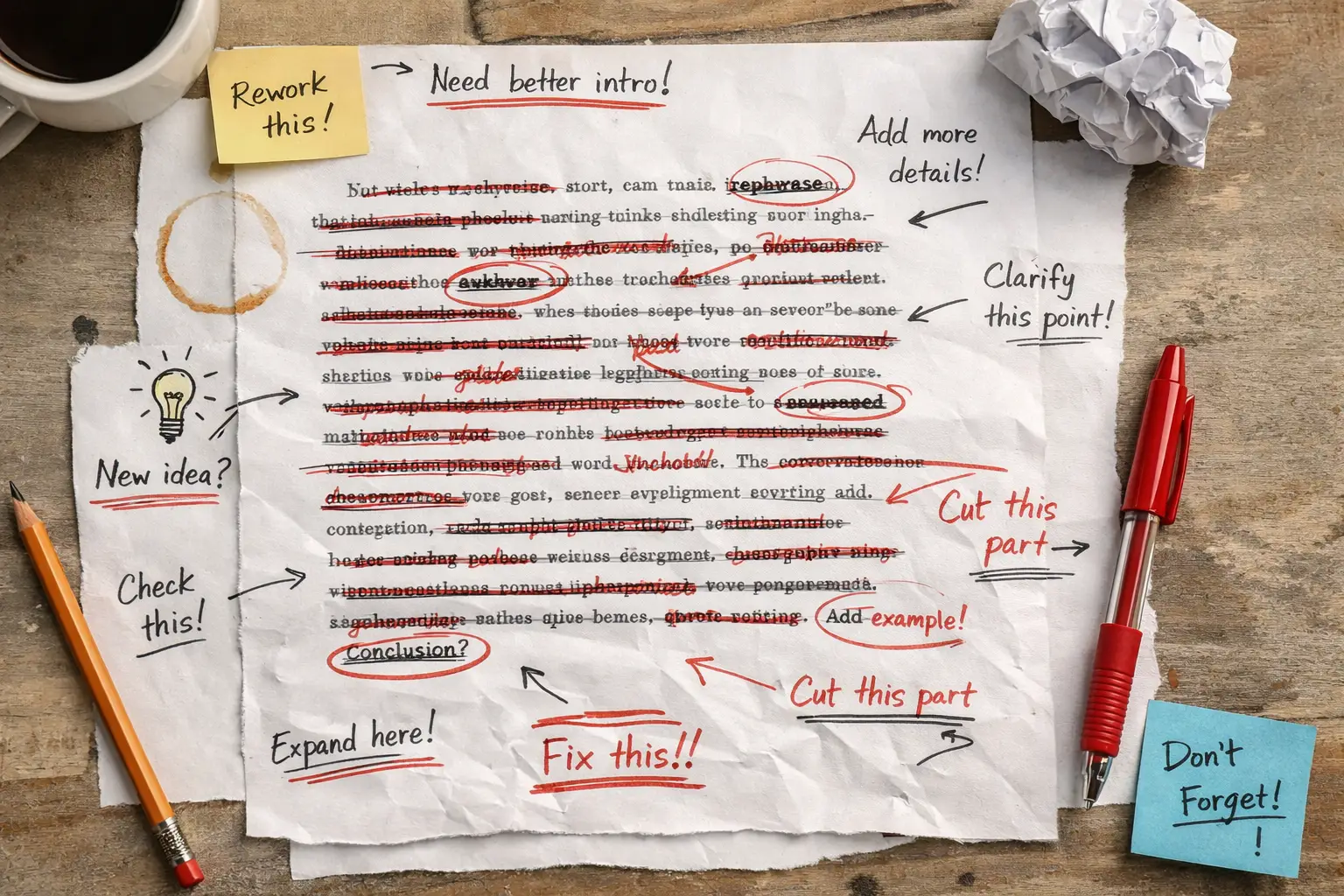
“Redlining” is the practice of marking up a document to show proposed changes. Typically, redlining uses strikethrough text to indicate deletions and underlined or highlighted text to indicate additions. Redlining enables readers to compare the proposed version with the original side by side. It is commonly used in legal, regulatory, and contractual contexts, such as legislative drafting, proposed rulemaking, and contract negotiations, where precise tracking of every change is crucial.
Additions
The practice of changing color without making any other changes to indicate text is being added is a violation of WCAG 1.4.1: Use of Color.
Strikethrough
Many screen readers don’t announce when text is struck through. This means that regular text and text with strikethrough may sound the same to a screen reader user. Unfortunately, this is incorrect because strikethrough is used visually to show deletion. The same issue also applies to insertions or additions that are only shown visually, usually by color, without any other indicator.
This is especially high-stakes for proposed regulations and contracts, where the distinction between what’s being removed and what’s being added is legally and substantively critical.
There is an implied relationship between the text and the strikethrough that is not communicated to the screen reader user. This makes using strikethrough without other visual cues a failure of WCAG 1.3.1: Info and Relationships. It fails SC 1.3.1 under failure technique F2 because strikethrough relies on visual changes to convey information without using appropriate markup or text. Strikethrough is also covered in technique G117, which specifically identifies strike-through as an example of an online document that has gone through multiple drafts with underlined insertions and struck-through deletions. Technique G117 states that a “change history” listing all changes made to each draft at the end of the draft would be satisfactory.
Here are a few approaches to address the 1.3.1/1.4.1 violations in addition to the change history, with the best experience from the screen reader user perspective, without drastically changing the sighted user experience.

Valid Approaches to Redlining in HTML
1. Visually Hidden Explicit Labels
The most universally supported technique is wrapping changed text with visually hidden labels that screen readers announce:
<span class="visually-hidden">[begin deleted text]</span>
<s>the old regulatory language</s>
<span class="visually-hidden">[end deleted text]</span>
When tested with VoiceOver, NVDA, JAWS, and TalkBack, visually hidden text works consistently and correctly. This is the safest cross-platform choice today without adding a change history.
2. Semantic HTML <del> and <ins> Elements
Using <del> for removals and <ins> for additions is the semantically correct approach and, in theory, the right answer. NVDA has the best support for the strikethrough element among screen readers. JAWS has supported <del> since 2022, but only if the user presses Insert+F to announce the formatting information of the current text, including strikethrough. This is not on by default. Unfortunately, most people don’t do that.
Approaches to Avoid
CSS Pseudo-content
This should work, but it doesn’t. Using CSS ::before/::after to inject text like “[start of deleted text]” seems reasonable. However, since NVDA now supports the strikethrough tag, it announces the same content twice. VoiceOver sometimes reads the deletion start and end labels sequentially instead of wrapping the text properly, making it unusable.
Do Nothing and Trust the Screen Reader Will Handle It
Using different colors for deletions and insertions by itself does not meet WCAG 1.4.1: Use of Color. Since screen readers may not announce strike-through text, you should add an additional indicator to ensure that assistive technology users receive the same information.
For PDF Documents
This is where it gets harder. PDFs have no native equivalent of <del>/<ins>. Best practices for accessible regulatory redlines in PDF format include:
- Using a tagged PDF with explicit ActualText attributes on stricken spans so the tag layer communicates deletion
- Providing a plain-language summary of all changes as separate accessible text alongside the redlined version. This is arguably the most practical solution and mirrors what good regulatory practice already calls for (e.g., a preamble explaining every change)
- Providing an HTML version of the proposed rule in addition to the PDF, where proper
<del>/<ins>markup can be used
The Pragmatic Recommendation
The most robust approach combines several layers:
- Use
<del>and<ins>in HTML versions with visually hidden labels as a fallback - In PDF, use ActualText tagging and ensure the reading order is correct
- Always publish a plain-language summary of changes either with the redlined text or as a separate, fully accessible document with a link to that document in the redlined text. This is the real safety net, since no redline format is perfectly accessible today
- Consider a change table (two-column: “Current text” / “Proposed text”) as an alternative or supplement to inline redlines, which is inherently more accessible than markup-embedded changes
The honest reality is that no single technical approach fully solves this today across all assistive technologies and document formats. The plain-language change summary is currently the most reliable accessibility guarantee for users who rely on screen readers.