
The print-sign-scan workflow is an accessibility nightmare when the end document needs to be accessible. Here’s what you need to do instead:
You spent hours making that document accessible. You structured the headings correctly, wrote meaningful alt text for every image, set the document language, checked the reading order, and ran it through the accessibility checker until it passed cleanly. Then someone printed it, signed it with a pen, and put it through the scanner. What came back was a flat image file masquerading as a PDF, readable by no one using a screen reader, keyboard-only navigation, or any other assistive technology. Every minute of remediation work you did is now gone.
This is not a hypothetical. It happens every day in public agencies across the country, and it is one of the most common yet least-discussed sources of accessibility failure in government document workflows. For document managers and records staff, understanding why this happens and how to permanently fix it is not optional. With ADA Title II compliance deadlines now in effect for large public entities, documents that cannot be used by people with disabilities are a legal liability, not just an inconvenience.
What the Print-Sign-Scan Cycle Actually Destroys
A properly tagged PDF is a structured document. It contains an invisible layer of semantic information that tells assistive technology what everything is: this is a heading, this is a paragraph, this table has header cells in the first row, this image shows a bar chart comparing budget figures by department. Screen readers and other assistive technologies read that tag structure, not the visual appearance of the page.
When you print that document and scan it back in, the scanner has no idea what any of it means. It captures a picture of the page, pixel by pixel. The resulting file contains no tag structure, no reading order, no alt text, no language setting, and no document title in the properties. To a screen reader, it is a blank page. To a user who relies on keyboard navigation, it is a wall. To someone using a refreshable Braille display, it produces nothing meaningful at all.
Optical character recognition, or OCR, can sometimes recover the text content from a scanned image. But OCR-recovered text is notoriously unreliable in its reading order, routinely misreads characters in fonts it does not recognize, and cannot reconstruct the document structure that made the original accessible. Recovering meaningful table relationships, heading hierarchy, and list structure from a scanned image requires manual remediation that is, in most cases, more time-consuming than the original accessibility work was.
Every time a document goes through the print-sign-scan cycle, you are performing an act of digital demolition on work that may have taken hours to complete correctly.
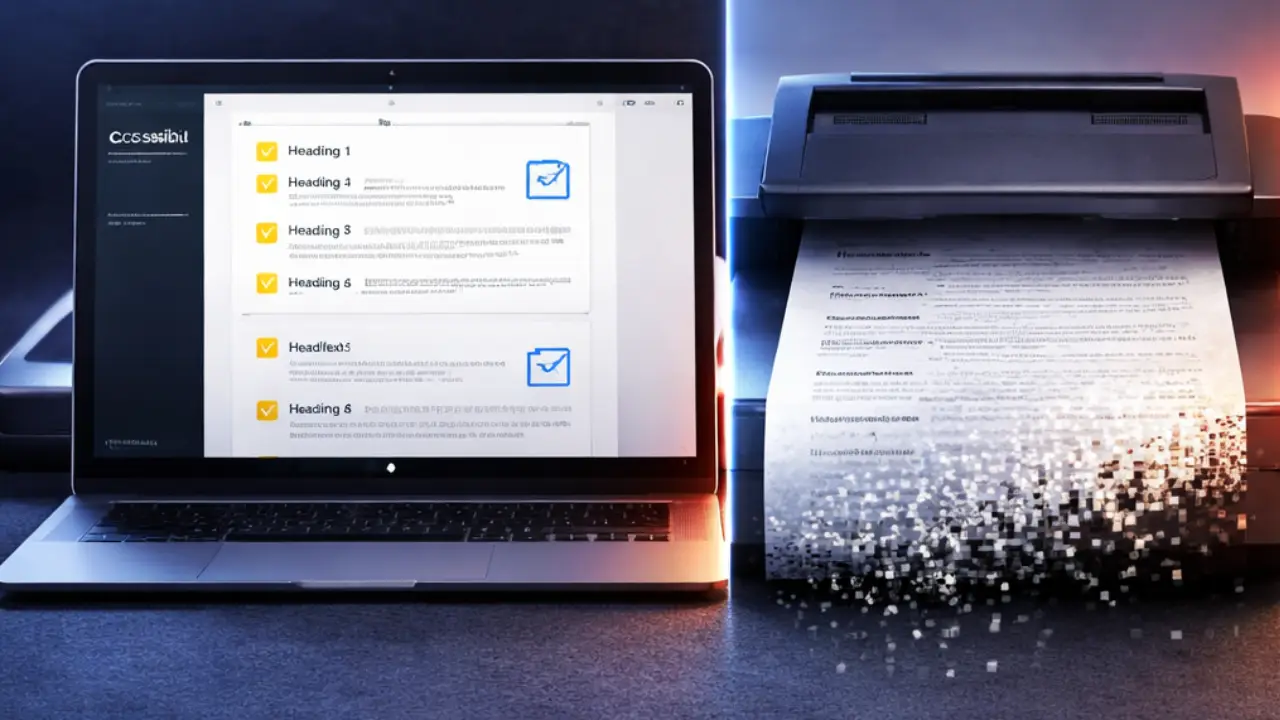
The Hidden Labor Cost of Scan-and-Remediate
Consider a standard contract workflow at a public agency. A staff member creates an accessible contract template, populates it with the relevant details, and produces a tagged PDF that passes the accessibility checker. The document goes out for signature. The signing party prints it, signs it in pen, and emails back a scanned copy. The agency now has a records obligation to retain the signed version. That signed version is inaccessible. Someone, somewhere, now has to remediate it: add tags, set reading order, write alt text for any figures, set the document title and language, and run it through the checker again.
Multiply that by the volume of contracts, agreements, resolutions, permits, applications, and other signature-required documents a typical agency processes in a year. The labor cost of remediating scanned documents is not a small number. It is a recurring, avoidable expense that agencies absorb without ever quantifying it, because it has always been done this way.
There is also a less visible cost: the documents that never get remediated at all. When the workload is high and staff capacity is limited, scanned documents go into the records system in their inaccessible state and stay there. A member of the public who uses a screen reader submitting a public records request for those documents receives files they cannot use. That is a civil rights problem, not an administrative inconvenience. It creates significant risk of complaints and potentially legal action.

Electronic Signatures Are Not a Compromise
A persistent misconception in government workflows is that electronic signatures are less legally valid, less secure, or less appropriate for official documents than wet ink signatures. This is not accurate. The Electronic Signatures in Global and National Commerce Act, known as ESIGN, and the Uniform Electronic Transactions Act, known as UETA, both establish that electronic signatures carry the same legal weight as handwritten signatures for the vast majority of document types. Most states have enacted UETA or equivalent statutes. Federal agencies routinely execute binding contracts, grants, and regulatory filings using electronic signature platforms.
More importantly for document managers: a properly implemented electronic signature does not touch the underlying document structure. The signed document is still the same tagged PDF it was before the signature was applied. The accessibility work you did is preserved. The audit trail of who signed, when, and from what IP address is more robust than anything a wet ink signature can provide. The document goes directly into your records system in its final, accessible, signed state.

Two Platforms Worth Knowing
Not all electronic signature platforms handle accessibility with equal care. Two platforms stand out for public agency use because they combine robust legal validity, security infrastructure appropriate for government use, and meaningful attention to the accessibility of both the signing experience and the signed output.
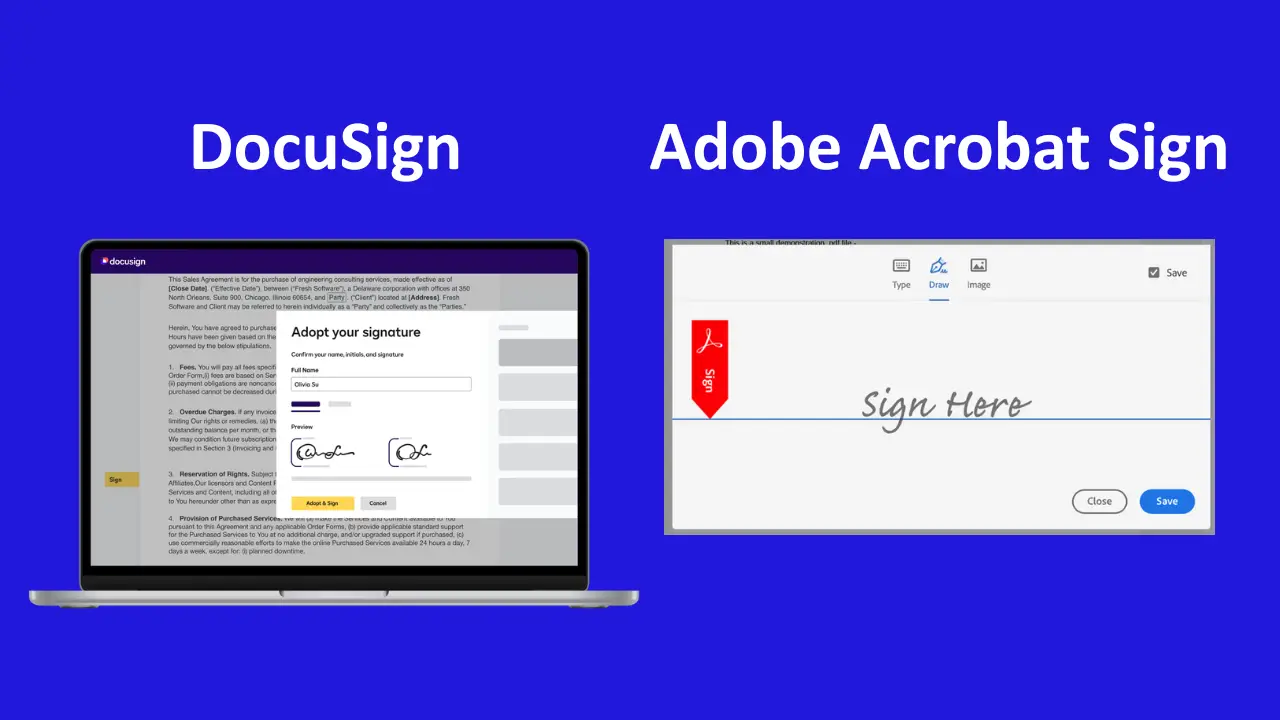
DocuSign is the most widely deployed electronic signature platform in the world and has extensive adoption across state and local government. The signing experience is designed to be keyboard accessible and compatible with major screen readers. DocuSign supports WCAG 2.1 Level AA for its signer interface, meaning that a person who is blind or has a motor disability can complete a signature workflow without assistance. For records purposes, the completed document package includes a tamper-evident certificate of completion with a full audit trail. DocuSign integrates with most document management systems used in government, including Microsoft SharePoint, Salesforce, and many case management platforms.
Adobe Acrobat Sign (formerly Adobe Sign) is the other leading platform for government document workflows, with a particular advantage for agencies already invested in Adobe Acrobat Pro for PDF remediation. Because Acrobat Sign is part of the Adobe Document Cloud ecosystem, it works directly within the tools your accessibility staff are already using. Documents prepared and remediated in Acrobat Pro can be sent for signature without leaving the Adobe environment, and the signed output remains in the Adobe PDF format your records system expects. Acrobat Sign also supports WCAG 2.1 compliance for the signing experience and provides a detailed audit trail in the completed document package.
Both platforms offer government pricing, FedRAMP authorization or equivalent security certifications, and the contractual documentation your procurement office will require. Both are suitable for the full range of document types a public agency handles, from routine administrative forms to contracts with significant financial value. Even documents that require notarization can be handled using electronic signatures via remote online notarization (RON) and e-notarization.
What Document Managers Should Do Now
The practical steps for moving away from print-sign-scan are more straightforward than they may appear.
- Start by inventorying which document types in your agency currently require a signature and are being processed through a print-sign-scan workflow.
- Prioritize the highest-volume and highest-risk categories: contracts, resolutions, permits, and applications are the most common candidates.
- Work with your legal counsel to confirm that electronic signatures are permissible for each document type under your state’s version of UETA and any applicable agency-specific regulations. In most cases, the answer will be yes, with narrow exceptions for certain documents, such as court filings.
Then evaluate electronic signature software vendors using a structured procurement process that includes accessibility considerations. Request demonstrations that specifically include the signing interface’s accessibility features, ask for documentation of WCAG conformance for the signer experience, and test each platform with actual assistive technology, not just vendor claims. Review the resulting downloadable PDF files. Your accessibility staff should be part of that evaluation.
Once a platform is selected and deployed, update your agency’s document workflow policies to prohibit the print-sign-scan cycle for document types covered by the platform. This is a policy change, not just a technology change. Without an explicit policy prohibition, staff will default to familiar habits even when a better option is available.

The Accessible Document You Made Deserves to Stay That Way
Accessibility remediation is skilled work. It takes time, expertise, and attention to detail. Every accessible document your staff produces represents an investment in equitable access to public information. The print-sign-scan cycle treats that investment as disposable, destroying in seconds what took hours to build.
Electronic signature platforms like DocuSign and Adobe Acrobat Sign exist precisely to solve this problem. They are legally valid, secure, accessible to signers with disabilities, and compatible with the records systems and document workflows public agencies already use. There is no good reason to keep feeding accessible documents into a scanner and starting over. The technology to stop doing that has been available and mature for years. The question is whether your agency has made it a policy to use it.