

Open data is only open if everyone can use it. Here is how to build portals that work for all members of the public, including people with disabilities.
Open data portals have become a standard feature of modern government. Cities publish budget figures, transit agencies release ridership numbers, and federal agencies post everything from weather records to procurement contracts. The promise is straightforward: when public information is freely available in machine-readable formats, journalists, researchers, civic technologists, and everyday residents can put it to use.
Yet a portal that publishes thousands of datasets is not automatically useful to someone who uses assistive technology. Accessibility is not a finishing touch; it needs to be built in from the beginning. Accessibility is part of what makes open data genuinely open.
Digital Accessibility of Open Data Portals for Municipalities
Roughly one in four adults in the United States lives with a disability that affects how they use the web. People who are blind or have low vision rely on screen readers and screen magnification. People with motor disabilities may navigate by keyboard, switch device, or voice command. People with cognitive disabilities benefit from clear language, predictable layouts, and the ability to control timing. Many older adults experience age-related changes in vision, hearing, and motor control that bring them into similar territory.
There is also a legal dimension. In the United States, Section 508 of the Rehabilitation Act applies to federal agencies, and Title II of the Americans with Disabilities Act applies to state and local governments. The Department of Justice has finalized rules requiring public entities to conform their web content and mobile apps to WCAG 2.1 Level AA. In the European Union, the Web Accessibility Directive sets similar requirements, and member state laws extend them further. Open data portals run by public agencies sit squarely inside these obligations.
Beyond compliance, there is a quality argument. Accessible portals tend to be better portals for everyone. Clear language helps non-experts find what they need. Logical heading structures help researchers scan quickly. Keyboard navigation helps power users who prefer not to use input devices that slow them down. Captions on video tutorials help people in noisy offices and people whose first language is not the one the video was recorded in.
Related Reading: The DOJ recently extended the Title II digital accessibility deadlines. What does that mean for public agencies?
The Title II Digital Accessibility Deadline Has Been Extended. Now What?
Understanding WCAG 2.1 AA Requirements for Open Data Portals

The Web Content Accessibility Guidelines, published by the World Wide Web Consortium, is the international reference standard for digital accessibility. WCAG organizes its requirements around four principles. The table below summarizes them with examples drawn from data portal work.
| WCAG principle | What it means | Portal example |
|---|---|---|
| Perceivable | Information must be presentable in ways users can perceive. | Provide text alternatives for charts and offer high contrast color modes. Do not use color alone to indicate meaning |
| Operable | Interface components and navigation must be operable. | Every interactive element, such as buttons, accordions, menu items, and links, can be accessed by a keyboard. |
| Understandable | Information and operation of the interface must be understandable. | Use plain language for dataset titles and avoid acronyms without expansion. Make sure error messages are clear and actionable. |
| Robust | Content must work with current and future assistive technologies. | If an action causes two things to change or a system message pops up, make sure screen reader users know about them. |
WCAG 2.1 Level AA is the practical target for most US public agencies. WCAG 2.2 adds a small number of additional success criteria and is now the most current version published. Aim for the most current version your team can realistically meet and document your conformance claim openly.
What Are Common Digital Accessibility Issues in Open Data Portals
Open data platforms tend to share common features such as search boxes, faceted filters, catalogs, datasets, individual dataset pages with previews and download links, and sometimes embedded visualizations or APIs. Each of these areas has predictable accessibility requirements.
Accessible Search and Filtering
Faceted search is powerful for sighted users who can scan a sidebar of checkboxes. For screen reader users, the same pattern can be disorienting. Filter groups need clear group labels, the count of matching results needs to be announced when it changes, and users need a way to reach the result list quickly without tabbing through every facet first. Filters can absolutely not be part of the header row; they need to be activatable from somewhere else.
- Use an ARIA landmark region or skip link that jumps from filters to results.
- Announce result count updates through a polite ARIA live region rather than forcing an unannounced page refresh.
- Provide a visible focus indicator with good color contrast on every interactive element.
- Make sure filters can be applied and cleared with a keyboard, not only by activating tiny icons by touch or mouse.
Accessible Dataset Pages
A dataset page typically includes a title, a description, metadata such as update frequency and license, a preview table, and download options. Several patterns deserve attention.
- Write descriptions in plain language, including defining acronyms on first use. A description that reads only as a string of agency program codes is not useful to most of the public. While this is not a requirement under WCAG 2.2 Level AA, it is most definitely a best practice, and will reach a larger audience.
- Use proper heading hierarchy so that screen reader users can navigate the page by structure rather than reading from top to bottom.
- Provide downloads in more than one format. CSV is widely usable, but JSON, Excel, and a tagged PDF summary all serve different audiences. Avoid PDF as the only format for tabular data.
- Label preview tables with caption elements and use proper table markup with header cells. A preview that is built from divs styled to look like a table will be unreadable by assistive technology.
Accessible Data Visualizations and Dashboards

Charts are where many portals fall short. A bar chart rendered as a static image with no alt text provides no information a screen reader can use. An interactive dashboard built without keyboard support locks out anyone who cannot use a mouse.
- Pair every chart with the underlying data table, either inline or via a clearly labeled link. This benefits screen reader users, researchers who want the raw numbers, and anyone whose browser blocks the chart script.
- Write meaningful, contextually-accurate alternative text. For a chart, alt text should convey the trend or finding, not just the chart type. Compare "bar chart showing budget by department" with "bar chart showing public works receiving 32 percent of the 2025 budget, the largest single share."
- Ensure interactive elements work with a keyboard and announce their state changes. This includes things like tooltips, legends, and the ever-dreaded date picker. I have never seen a date picker that is accessible out of the gate on a municipal website unless it was constructed out of an accessible component library like Material, and those are few and far between.
- Choose color palettes thoughtfully. They should be distinguishable to people with the most common forms of color vision differences and should never rely on color alone to convey information.
Digital Accessibility for GIS Maps and Interactive Mapping Tools
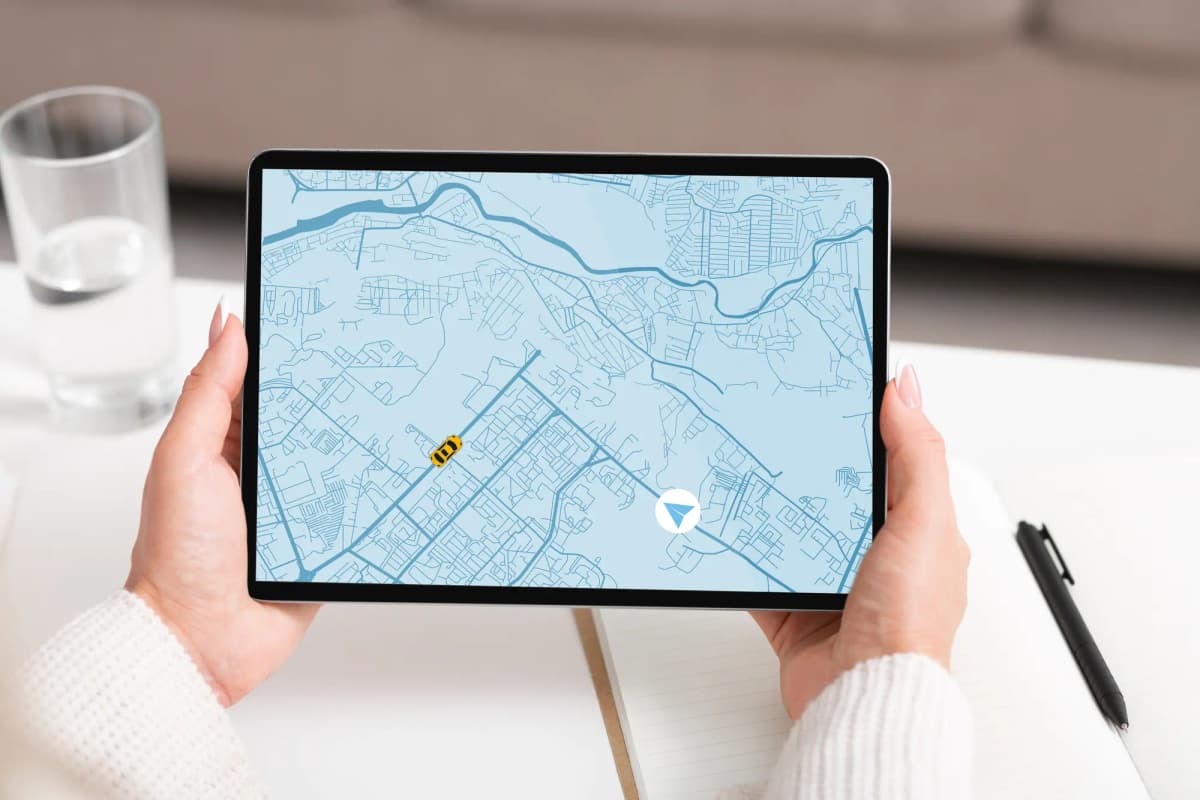
Maps are particularly difficult to make accessible, and many portals lean heavily on them. The fact that a map is visual does not exempt it from the requirement to convey its information through other means.
- Offer a data table alternative for every map, listing the same locations with their attributes.
- Make sure pan and zoom controls have visible labels, sufficient size, and keyboard support.
- Provide search by address and by jurisdiction, not only by clicking on the map.
- If your map shows polygons such as neighborhoods or districts, label them clearly and provide a list view as an alternate entry point.
Digital Accessibility for APIs and Developer Documentation
Open data portals often expose APIs alongside file downloads. The documentation for these APIs is itself part of the portal and requires the same level of accessibility care. Code samples should use semantic markup, color contrast in syntax highlighting should meet WCAG ratios, and any interactive try-it-now panels should be operable by keyboard.
Are Your Downloadable Files Accessible?
Accessibility extends past the website into the files that get downloaded. A perfectly accessible portal that distributes inaccessible PDFs still leaves people stranded.
- Use machine-readable structured formats such as CSV, JSON, and well-formed Excel files. These work with the widest range of assistive tools and analysis software.
- If you must publish PDFs, tag them. A tagged PDF carries structure that screen readers can interpret. Run an accessibility check in your authoring tool and fix issues before publishing.
- Give the files descriptive names. A filename like 2024_q3_transit_ridership_by_route.csv is far easier to understand than report_v3_final.csv.
- Document your data. Publish a data dictionary that defines every field, its type, allowed values, and any caveats. Plain language data dictionaries serve both novice users and screen reader users who cannot easily scan a wide preview table.
Use Plain Language and Metadata to Improve Open Data Accessibility
Open data is often written by and for specialists. Agency staff describe a dataset using the vocabulary they use internally, which can include program codes, statute references, and acronyms that mean nothing to outside users. The result is a catalog that is technically open and practically opaque.
Plain language is an accessibility issue. People with cognitive disabilities, people reading in a second language, and people without specialized training all benefit when descriptions use common words and short sentences. The Federal Plain Language Guidelines and the international Plain Language standard, ISO 24495-1, both offer practical guidance.
A useful pattern is the two-layer description.
- Lead with a plain language summary that answers what the dataset contains, who collects it, how often it updates, and a typical use.
- Follow it with the technical detail that specialists need. Both audiences are served without forcing either to wade through the other.
How Do You Procure Open Data Portal Software That’s Accessible?
Many public agencies do not build their portals from scratch. They license a platform such as CKAN, Socrata, OpenDataSoft, or ArcGIS Hub, or they contract with a vendor for a custom build. Accessibility outcomes are heavily shaped by these decisions, and they need to be addressed in procurement.
- Require vendors to provide a current Accessibility Conformance Report / Voluntary Product Accessibility Template (ACR/VPAT) and read it critically. A VPAT that claims full support for every criterion with no notes is a warning sign.
- Ask for a live demonstration of the platform with a screen reader and keyboard-only navigation. Reports describe intentions; demonstrations show reality.
- Build accessibility acceptance criteria into the contract, including the right to require remediation if independent testing finds issues.
- Plan for ongoing testing, not a one-time audit at launch. Portals change as datasets are added and features are released.
How to Test Open Data Portals for Digital Accessibility

A combination of methods catches the widest range of issues. Automated scanning tools such as axe, WAVE, and Lighthouse will find about 30-35% of accessibility issues quickly, but they miss issues that require human judgment, such as whether alt text is meaningful or whether a label actually describes its control.
- Run automated scans on representative pages: the homepage, a search results page, a dataset page, a visualization, and the API documentation.
- Do manual keyboard testing. Unplug your mouse and try to complete common tasks: search, filter, download, and read a dashboard.
- Test with at least one screen reader on at least one operating system. NVDA on Windows and VoiceOver on macOS are common choices. Free trial accounts and free open-source tools make this practical.
- Recruit people with disabilities for usability testing and pay them for their time. Their feedback will surface issues that no automated tool or internal review will find.
How To Build a Digital Accessibility Program for Open Data Portals
Digital accessibility often fails during handoffs. The product owner forgets to include the WCAG guidelines in the project documentation; the developers assume the designer handled color contrast; the designer assumes the content team will write good alt text; and the content team assumes the developer will fix any issues at the end. A few governance practices keep responsibility clear.
- Publish an accessibility statement that names a contact, lists known issues, and commits to a remediation timeline.
- Make accessibility part of your definition of done for every release. New features should not ship until they have been checked.
- Train staff who create datasets, write metadata, and build dashboards. Most accessibility problems are introduced by people who simply did not know what to do differently.
- Track accessibility issues in the same backlog as other defects, with the same expectations for triage and resolution.
How To Get Started with Open Data Portal Accessibility Compliance
Most agencies inherit a portal that has existing accessibility problems and a roadmap that is already full. A practical starting point is a triage approach: identify the issues that affect the most users on the most visited pages, fix those first, and build from there. Got a redesign coming up? That is the perfect time to make accessibility part of your definition of done.
A useful first month might look like this. Run an automated scan across the top twenty pages. Conduct a keyboard-only walkthrough of the homepage, search, and one popular dataset. Bring in a screen reader user for a two-hour usability session. Publish an accessibility statement that names a contact and acknowledges the work in progress. Add one accessibility related ticket to every sprint going forward.
None of this requires a large budget. It requires attention, clear ownership, and a commitment to treating accessibility as part of the core mission of open data, not an afterthought.
A closing thought: Making Open Data Truly Accessible for Everyone
The promise of open data is that public information belongs to the public, and that putting it into people's hands strengthens accountability, research, and civic life. That promise is undermined when the very tools meant to deliver the data create new barriers.
Accessible portals are not a separate project bolted onto open data work. They are open data work, done well. The agencies that take this seriously will find that their portals are not only legally compliant but more useful to journalists, more legible to researchers, easier for civic technologists to build on, and more welcoming to the residents whose taxes paid for the data in the first place.
Accessibility Management for Public Agencies
Learn more about our Accessibility Management Services.
At AccessAbility Officer, we work with cities, state agencies, medical companies, education institutions, federal contractors, and public-sector teams to integrate digital accessibility into their DNA. Our team includes certified accessibility professionals with disabilities using assistive technologies every day.
As your datasets are published, dashboards are updated, maps are modified, and public-facing content evolves, accessibility requires ongoing governance, testing, training, and oversight. Unless you’re opposed to getting this right and staying compliant, speak with one of our consultants to know exactly what’s required and the level of effort for your agency.